
The Best IPTV Player Apps: How to Choose One That Just Works
The player is the app that turns your subscription into television, and the one you pick shapes how good the whole experience feels. The best player is not the flashiest – it is the one you stop noticing. Rather than chase a name, it pays to know the five things that actually separate a good player from a frustrating one, so you can judge any app for yourself.
On this page
The five things that matter
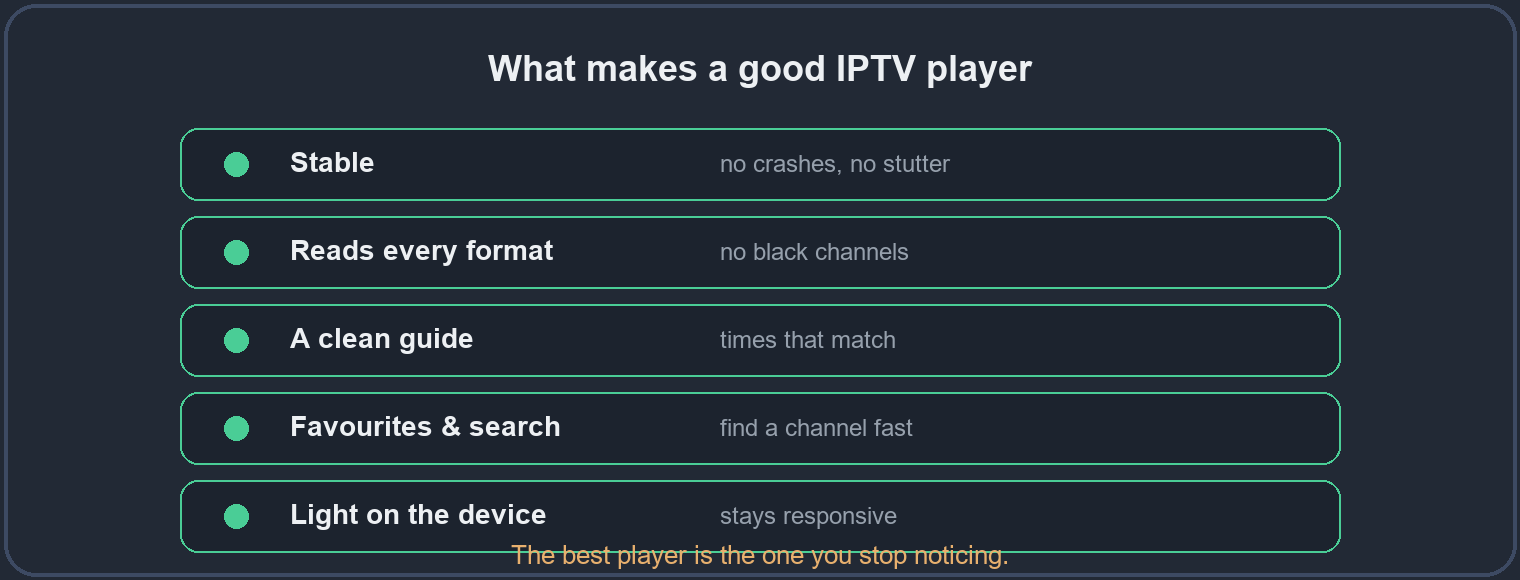
Almost every real difference between players comes down to five qualities. Judge any app against these and you will rarely go wrong:
- Stability. It should open fast, play without random crashes, and hold a stream for hours. A player that needs restarting every evening is the wrong player, however good it looks.
- It reads every format. Channels arrive in different formats, and a weaker player shows some as a black screen while the rest play. A good one decodes them all, so you are never left guessing.
- A clean guide. The player should load the EPG reliably and show times that match what is on air. Our TV guide page explains why some players handle this far better than others.
- Favourites and search. A fast search box and a favourites list are what make a large channel list usable. Without them you scroll forever; our guide to finding channels shows how much time they save.
- Light on the device. A good player runs smoothly on modest hardware. One that drags on an older stick will stutter no matter how fast your internet is.
The main types of player
Players fall into a few broad families, and knowing them helps you choose. Some are general-purpose media players that also handle live streams; some are built specifically for IPTV with categories, favourites and an EPG; and some are the built-in apps that come with a television. The built-in TV apps are usually the weakest of the three – they are convenient, but a dedicated player on an external stick almost always performs better.
The right player for your device
The best choice depends on what you watch on:
- Firestick and Android boxes – the widest choice of dedicated players, and the easiest to swap if one does not suit you.
- Smart TV – the built-in app works, but if it struggles, a cheap external stick with a proper player usually outperforms it.
- Phone or tablet – a dedicated mobile player with a favourites list makes casual viewing effortless.
- Windows PC – a general-purpose media player that reads live streams is often all you need.
What to avoid
Be wary of a player that is slow to open, crashes often, or buries the channel list behind clutter. And treat any app that demands payment to “unlock” basic playback with caution – a good player earns its place by working well, not by locking the picture behind a fee. If a player struggles on your device, it is quicker to try another than to fight with it.
Set it up once, properly
Whichever player you land on, a few minutes of setup pays off for months. Add your most-watched channels to favourites, turn on scheduled guide updates so the EPG stays full, and set the time zone so programmes line up. Do that once and the player disappears into the background, which is exactly where the best ones belong.
Questions people ask
- Is the player that came with my TV good enough?
- It can be, but built-in apps are often the weakest option. If it stutters or shows black channels, an external stick with a dedicated player usually fixes it.
- Why do some channels show black in one player?
- That player cannot read their format. A stronger player decodes them – see our guide on black screens.
- Does the player affect buffering?
- It can. A heavy or poorly made player stutters on hardware that a lighter one handles easily.
- How do I try players without losing my setup?
- Install a second player alongside the first; your subscription works in both, so you can compare them side by side.
Test any player on a trial first
The surest way to find the player that suits you is to try one on your own device, on a free trial, before you commit to anything.